
SCARTA2.14.5 - Get APK
You'll be able to download in few seconds.
Publisher Description
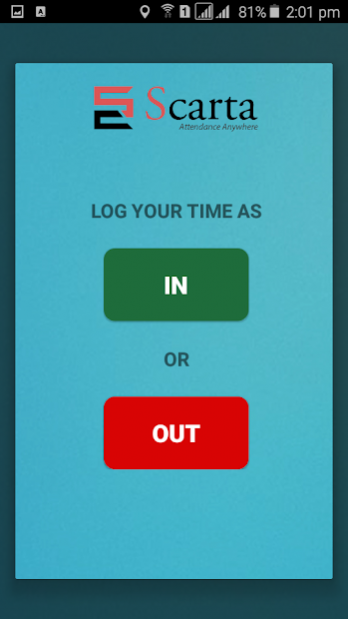
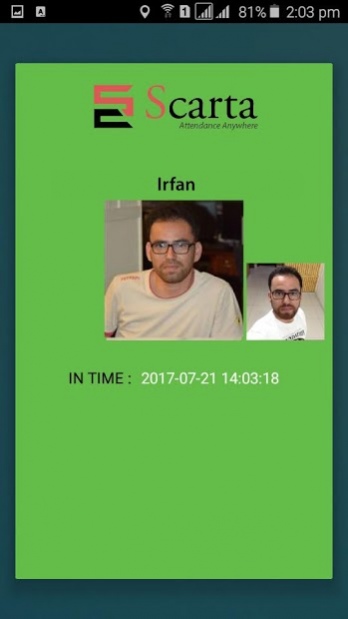

Scarta is the one and only platform that allows its business owners to manage their employees/students and their attendances through mobile and web based applications to effectively manage the workforce and reduce time and money significantly. The attendance can be marked through Smart Cards. The significance of Scarta is that you can observe and manage the attendance report of all your employee/students from anywhere. All you need is internet access and there is no chance of data loss as our cloud storage will be keeping all your data online.
Some of its exceptional features consist of the following:
› Mark and view attendance from anywhere
› Enormous number of employees/students data
› View reports online and export to multiple formats
› Centralized attendance management
› Reference checks added security for school children
› Order online through our web application
SCARTA SMART CARDS:
It's a complete attendance solution through "SCARTA SMART CARDS". Normal institutes ID cards can be replaced with "SCARTA SMART CARDS" and can be used for marking attendance for employee/student through SCARTA. SCARTA SMART CARDS are not just proximity cards, they have proper data stored in them, that gives you the advantage of high end encryption and these Smart Cards will have high class 4 color printing.
Scarta Smart Cards work with single RFID device attached with a smartphone which gives you the edge of portability and mobility. Once the attendance is marked, all the data will be synced over cloud server through which you can access anywhere. This makes SCARTA a solution for saving time and manual effort of managing attendance.
About SCARTA
The company that develops SCARTA is Code Informatics. The latest version released by its developer is 2.14.5.
To install SCARTA on your Android device, just click the green Continue To App button above to start the installation process. The app is listed on our website since 2019-07-19 and was downloaded 0 times. We have already checked if the download link is safe, however for your own protection we recommend that you scan the downloaded app with your antivirus. Your antivirus may detect the SCARTA as malware as malware if the download link to com.code.scartaCombineRFIDnFP is broken.
How to install SCARTA on your Android device:
- Click on the Continue To App button on our website. This will redirect you to Google Play.
- Once the SCARTA is shown in the Google Play listing of your Android device, you can start its download and installation. Tap on the Install button located below the search bar and to the right of the app icon.
- A pop-up window with the permissions required by SCARTA will be shown. Click on Accept to continue the process.
- SCARTA will be downloaded onto your device, displaying a progress. Once the download completes, the installation will start and you'll get a notification after the installation is finished.
Program Details
System requirements
Download information
Pricing
Version History
version 2.14.5
posted on 2019-07-19
SCARTA release 2.14.5
version 2.14.4
posted on 2018-01-10
Disclaimer
External Download
We do not host SCARTA on our servers. We did not scan it for viruses, adware, spyware or other type of malware. This app is hosted by Galad and passed their terms and conditions to be listed there. We recommend caution when installing it.
The APK Download link for SCARTA is provided to you by apps112.com without any warranties, representations or guarantees of any kind, so access it at your own risk.
If you have questions regarding this particular app contact the publisher directly. For questions about the functionalities of apps112.com contact us.
